.png)
How To Enable Two Step Verification In Instagram
- Divyansh Singh

- May 12, 2020
- 1 min read
On iOS
Step 1:- Open Instagram And Then Go To Profile >Then Jump Into The Setting


Step 2:- After Getting Into Settings, Click On Security And Choose Two Step Authentication


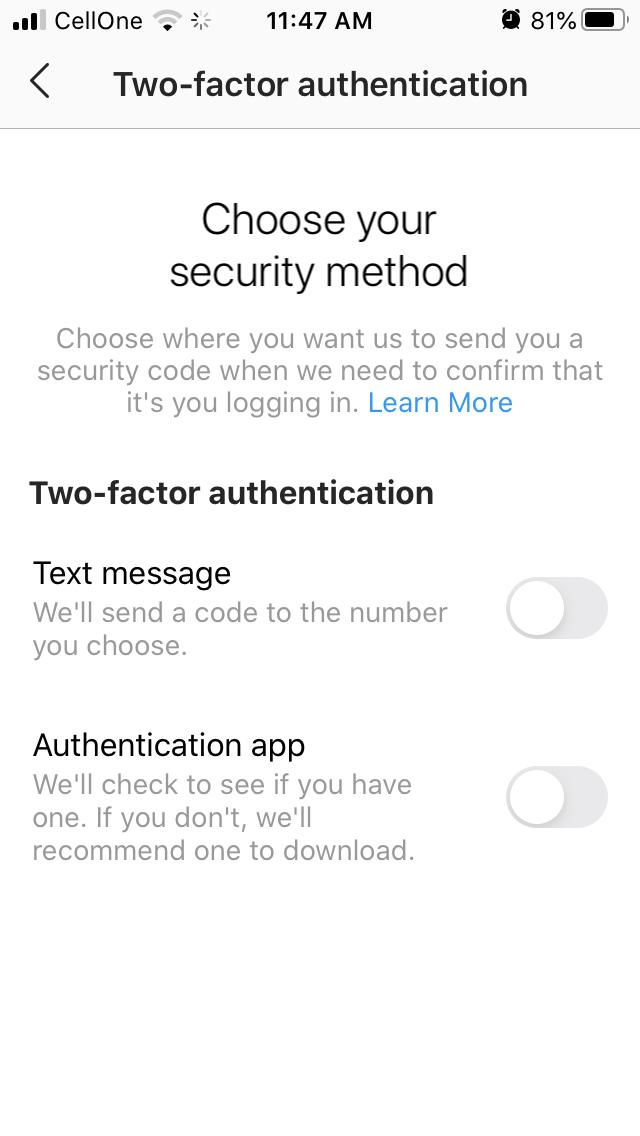
Step 3:- Next, tap on the Get Started and then choose your security method as per your Choice. After that, follow the instruction to enable the two-factor authentication for your Instagram account.

--------------------------Done--------------------------


Comments